How to Buy Tokenized Stocks with Trust Wallet: A Step-by-Step Guide
Learn how to buy tokenized stocks with Trust Wallet on GM Markets. This step-by-step guide covers connecting your wallet, trading 1:1 backed assets, and managing them on-chain.
How to Buy Tokenized Stocks with Trust Wallet: A Step-by-Step Guide
The market for tokenized real-world assets is expanding rapidly, with analysts from Boston Consulting Group projecting it could reach $16 trillion by 2030. For self-custody users, this growth presents a clear opportunity: accessing traditional assets like U.S. stocks without leaving the on-chain ecosystem you control. As a Trust Wallet user, you prioritize direct ownership and security. We built GM Markets on these same principles, creating a direct path to buy tokenized stocks with Trust Wallet and hold them as 1:1 backed, fully verifiable assets.
This guide provides a complete walkthrough of how to connect your Trust Wallet, purchase tokenized U.S. stocks and ETFs like gmNVDA or gmTSLA, and manage them directly from your wallet. The process is permissionless and designed for users who value financial sovereignty. We believe access to global equity markets should be as open and transparent as the blockchains they are built on.
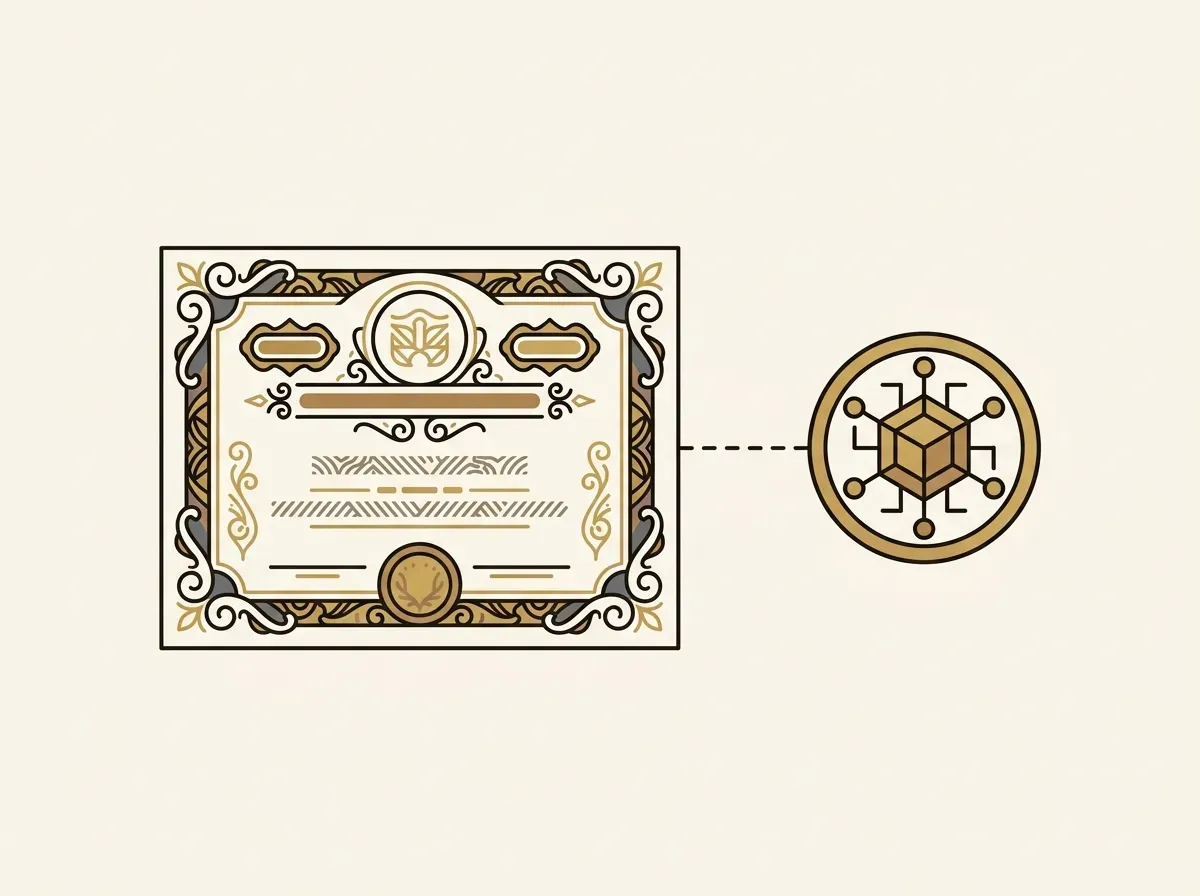
What Are GM Markets Tokenized Stocks?
Before walking through the purchase process, it is important to understand the asset you are acquiring. A tokenized stock on our platform is not a synthetic derivative or a complex contract. It is a digital token that represents a direct claim on one real share of a company's stock, combining real-world value with on-chain functionality.
Here is how our structure works:
- 1:1 Backing: For every tokenized stock we issue, one corresponding share is purchased and held in a segregated customer account at a regulated U.S. broker-dealer. As explained by financial regulators like FINRA, these institutions are subject to strict rules that protect client assets. This ensures your token is always fully collateralized by the real-world share.
- Verifiable Reserves: We provide full transparency through our Proof of Reserves page. A third-party attestation service monitors the shares held at our brokers in real time and publishes the data on-chain. You can independently verify that our token supply is always 100% backed.
- Standard On-Chain Assets: Our tokens are standard ERC-20 tokens issued on networks like Arbitrum and Base. This makes them fully compatible with the DeFi ecosystem and wallets like Trust Wallet. You can hold, transfer, or use them in other protocols just like any other cryptocurrency.
Trust Wallet vs. Embedded Wallets: Choosing Your Path
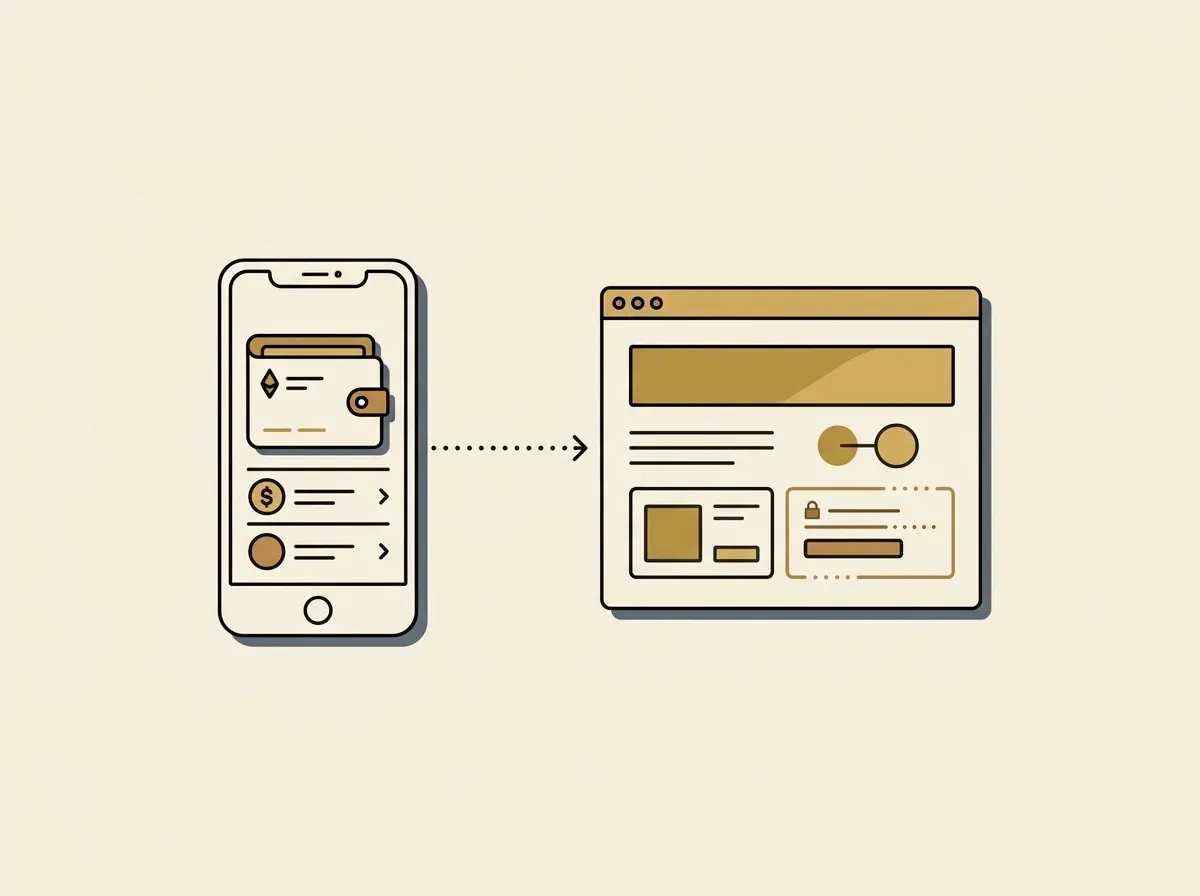
On our platform, you have two primary ways to manage your assets: connecting an external wallet like Trust Wallet or using our integrated embedded wallet. Your choice depends on your preference for control versus convenience.
| Feature | External Wallet (Trust Wallet) | Embedded MPC Wallet (GM Markets) |
|---|---|---|
| Onboarding | Requires existing wallet setup and management of a seed phrase. | Seamless signup with an email or social account, no seed phrase to manage. |
| Custody | Full self-custody. You have sole control of your private keys. | Non-custodial. The key is split into shares using Multi-Party Computation (MPC), eliminating a single point of failure. |
| User Experience | Requires app-switching to approve transactions from your wallet. | Transactions are signed seamlessly within the platform. |
| Best For | Crypto-native users who prioritize absolute control and interoperability. | Users who prioritize a simple, Web2-like experience and enhanced key recovery options. |
Connecting your Trust Wallet offers the traditional, crypto-native experience of full sovereignty. It is the preferred method for users who are comfortable managing their own keys and want to easily move their tokenized stocks across the entire DeFi ecosystem.
How to Buy Tokenized Stocks with Trust Wallet: A 6-Step Guide
The process to buy real-world assets on-chain is straightforward. Follow these steps to get started in minutes.
Step 1: Connect Your Trust Wallet to GM Markets
We use WalletConnect, the open-source protocol for connecting mobile wallets to dApps, to ensure a secure link. You never share your private keys or recovery phrase with our platform.
- Navigate to the GM Markets platform and click “Connect Wallet”.
- Select “WalletConnect” from the list of options. A QR code will appear.
- Open your Trust Wallet app, tap the scan icon, and scan the QR code.
- Trust Wallet will ask you to approve the connection. Review the details and tap “Connect” to authorize it.
Step 2: Deposit Funds
You can fund your account using stablecoins. We unify USDC and USDT deposits into a single USDF balance for a seamless trading experience.
- Once connected, navigate to your portfolio and select “Deposit”.
- Choose to deposit with crypto and select the stablecoin (USDC or USDT) and network.
- Send the stablecoins from your Trust Wallet to the provided deposit address. Your USDF balance will update after the transaction confirms.
Step 3: Select a Stock
With your account funded, you can browse the available tokenized stocks and ETFs. Choose the asset you wish to purchase, for example, tokenized Amazon (gmAMZN).
Step 4: Execute the Trade
We use a Request-For-Quote (RFQ) system to provide you with a real-time price from regulated market makers. The price you see is the final price you pay.
- Enter the amount of USDF you wish to spend or the quantity of the tokenized stock you want to buy.
- Our system will present a firm quote that includes our trading fee (0.10% to 0.20%).
- Review the quote and click “Buy” to proceed.
Step 5: Confirm the Transaction in Trust Wallet
For your security, every transaction must be approved from your wallet. A confirmation prompt will appear in your Trust Wallet app. Review the transaction details and sign to authorize the purchase.
Step 6: Receive Your Tokenized Stock
Once the on-chain transaction is complete, the tokenized stock is sent directly to your wallet address. You can view the transaction on a block explorer. To see the asset in your Trust Wallet, you may need to add it as a custom token.
Adding Your Tokenized Stocks to Trust Wallet
After a purchase, your new tokenized stock might not appear in your Trust Wallet automatically. To view your balance, you need to add it as a custom token using its official contract address. You can find the complete list of official contract addresses on our transparency page.
Here are the contract addresses for some of our most popular assets on the Arbitrum One network:
| Asset | Ticker | Arbitrum Contract Address |
|---|---|---|
| Tokenized Amazon | gmAMZN | 0x749556da33b69359551340795d46247169b13f1c |
| Tokenized Tesla | gmTSLA | 0x4632a508173a152f2d26f2f232491a9a8970b135 |
| Tokenized NVIDIA | gmNVDA | 0x5e23a313c9e651b32d2e13a62319f37c358330d5 |
| GM Markets Stablecoin | USDF | 0x46455259921b3a32532f2f455a73a62804c861f0 |
To add a token:
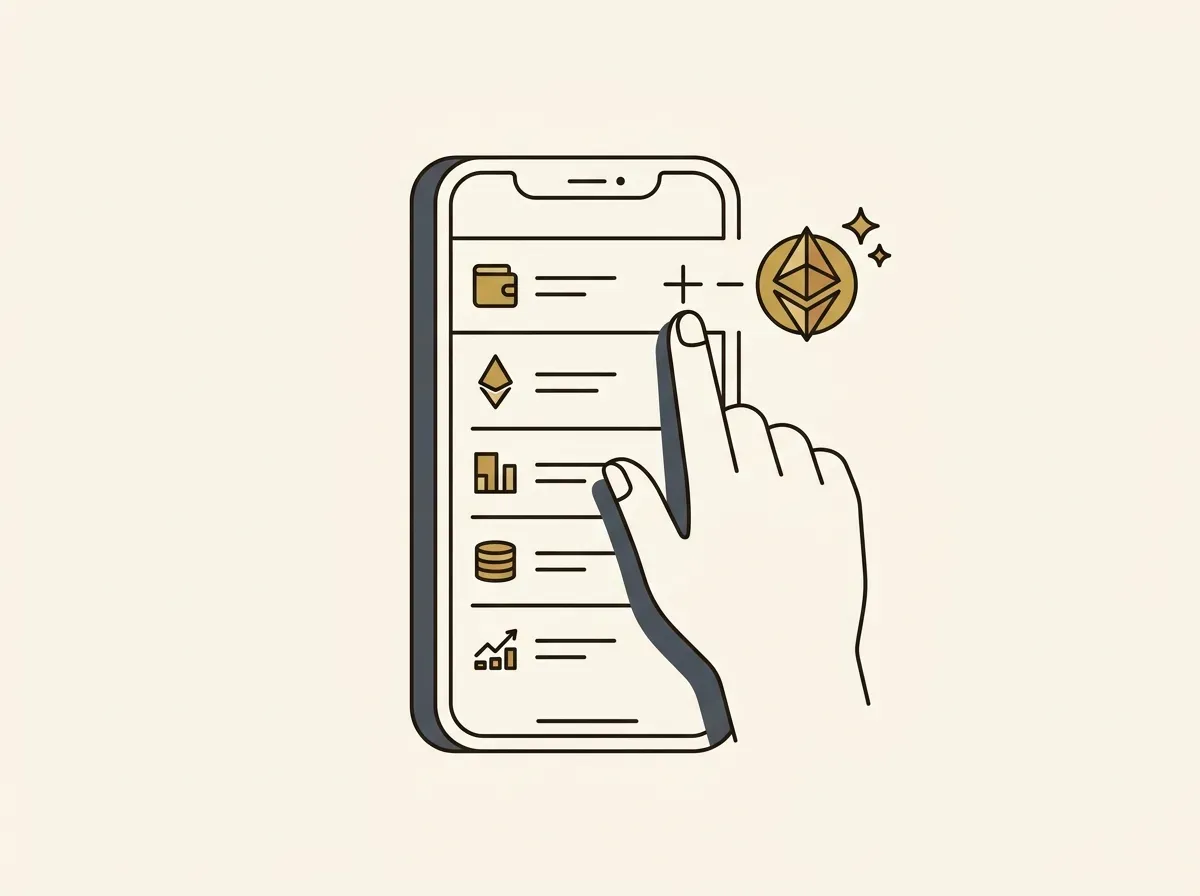
- In Trust Wallet, go to the token list and tap “Add Tokens”.
- Tap the '+' icon, select the Arbitrum network, and paste the token's contract address.
- The name, symbol, and decimals should auto-fill. Tap “Save”.
Unlocking DeFi: Why Self-Custody Matters for Tokenized Stocks
Our entire system is designed for individuals who value financial sovereignty. Holding tokenized stocks in your Trust Wallet unlocks capabilities that are impossible in traditional finance.
- You Retain Full Control: The tokenized stocks are held in your wallet, not on our platform. You have the final say on every transaction and can move your assets at any time.
- On-Chain Composability in Action: Your tokenized stocks are productive assets. For instance, you can take your gmTSLA token to a lending protocol like Aave or Morpho, deposit it as collateral, and borrow stablecoins against your equity position without selling it.
- Enhanced Security: Your funds are secured by Trust Wallet's robust features. Our smart contracts are independently audited to ensure their integrity, and the underlying assets are held with regulated custodians.
- Simplified On-Chain Experience: We abstract away network complexities like gas fees. You do not need to hold ETH on Arbitrum to trade. Transaction fees are paid seamlessly from your USDF balance.
Frequently Asked Questions
What are the fees for buying tokenized stocks with Trust Wallet?
Our only fee is a trading fee of 0.10% to 0.20%, which is included in the price quote you see before you trade. There are no fees for deposits or withdrawals. You can see the full fee schedule on our pricing page.
Which blockchain networks can I use?
We currently support trading on Base, Arbitrum, Ethereum, and Optimism. You can choose your preferred network when depositing funds and trading.
Do I receive dividends on these tokenized stocks?
Yes. We use a total-return model. When a company pays a dividend, we use it to purchase more of the underlying stock. This increases the net asset value (NAV) of your token, so its price reflects the dividend payment automatically.
Is this service available in the United States?
No. GM Markets is not offered to users in the United States or other restricted jurisdictions.
Start Trading from Your Trust Wallet Today
Combining the security of Trust Wallet with the accessibility of GM Markets gives you a powerful way to add global equity exposure to your on-chain portfolio. You get direct access, maintain self-custody, and can trust that your assets are secured by a transparent, 1:1 backing structure.
All trading involves risk. The value of your assets can go down as well as up, and you may lose the money you trade with. Tokenized assets carry additional risks, including settlement, counterparty, and smart contract risks. GM Markets does not provide financial or investment advice. Please review our full risk disclosure. Our services are not available to persons in the United States or other restricted jurisdictions.